How to watermark a scanned PDF
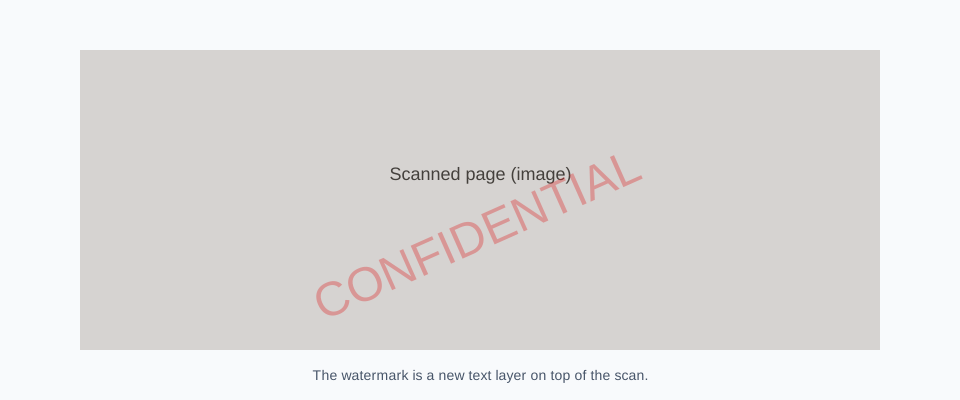
A scan is a picture of a page inside a PDF wrapper. You cannot “edit the words,” but you can still draw a watermark on top of the image. This tool does that: vector text over each page’s existing content, scan or not.
Steps
- 1
Use the original scan
Avoid a second-generation print/scan of a scan.
- 2
Overlay text
Drop the PDF into the editor and stamp.
- 3
Spot-check a middle page
Confirm the mark sits on the image, not on a blank export.
Why people think scans cannot be watermarked
Desktop editors gray out Edit Text on a scan. Watermarking is not text edit. It is a new layer. Acrobat, PDF-XChange, and this browser tool all overlay marks on image-only pages.
OCR is unrelated
Running OCR makes the scan searchable. It is optional. You do not need OCR to add CONFIDENTIAL. If you OCR after watermarking, some engines will try to read the watermark text too; watermark after OCR if that bothers you.
Quality
Do not print-to-PDF a scan to add a mark. You will resample the images and grow the file. Draw on the existing pages. If the scan is already muddy, use a darker watermark (gray 40%) so it still photographs.
FAQ
Will the watermark be selectable on a scan?
The watermark text is selectable. The scanned body is still an image unless you OCR it.
Can I watermark a photo of a document?
Convert the photo to PDF first (one image per page), then watermark. A JPEG is not a PDF.
Scanned does not mean unmarkable. Overlay the text and keep the original scan as the archive copy.
Watermark a scanRelated pages
Add a watermark to a PDF
Add a watermark to a PDF online. Free, no account, no file upload. Vector text on every page. Files stay in your browser. Download in seconds.
How to add a watermark to a PDF
How to add a watermark to a PDF: free browser tool, Acrobat Pro, Word export, and Mac Preview. Steps, limits, and when to use each method. No upload here.
Should you watermark a signed PDF?
How to watermark a signed PDF: adding a mark invalidates a digital signature. When that is acceptable, keep a signed original, and send a marked copy.